
Integrating Educational Technology: Essential Digital Tools for Both Assessment and Strategic Planning in K-12 Education
Educational leaders want to help their students succeed, which is much easier with new software programs.
Demonstrating transparency in meeting district goals is possible without confusing the use of multiple platforms. Administrators interested in strategic planning and implementation tools for K-12 school districts should compare their options to determine the ideal platform.
Criteria for finding the best planning resources
Comparing the many digital tools available to education leaders can seem overwhelming. Simplify the process by looking for leading factors that help people make their areas better places to learn, such as:
- Flexible features that meet the unique goals of each district
- Pricing structures designed for different budgets
- Services beyond the included software features, such as ongoing technical support for busy administrators
Support teams are available to answer any questions executives may have while comparing software programs. They need to feel confident in their decision before making a final purchase.
1. Achieve it

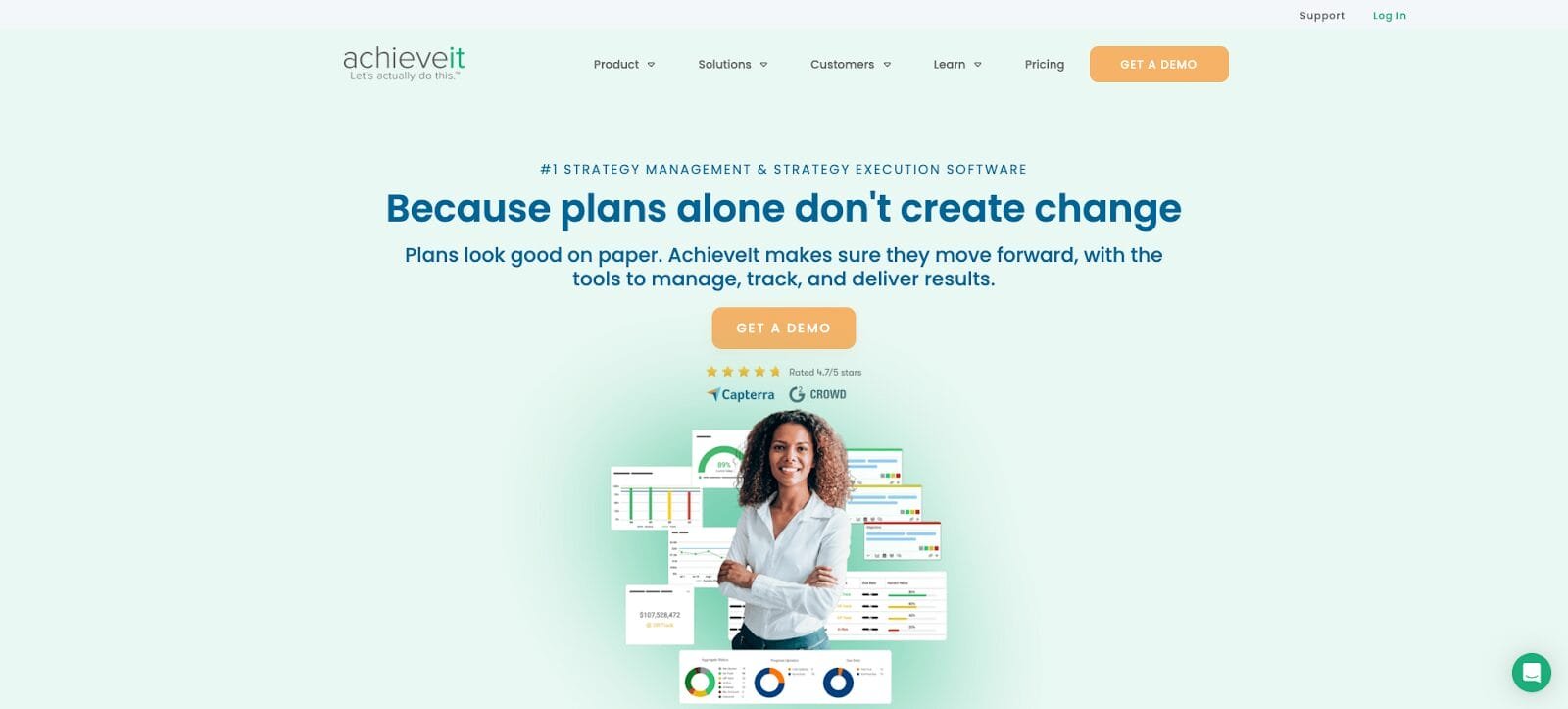
AchieveIt supports education teams trying to achieve multiple initiatives. The program brings together plans in different areas, linking their goals and strategies so that everyone is on the same page. Authorized users can track student-targeted metrics to gauge their performance as well. Graduation rates and student retention are easily compared on user-friendly dashboards. AchieveIt also helps with compliance reporting, so accountability to parents and regulatory agencies takes less time.
Key features:
- AchieveIt supports unique district initiatives and different goals for each school.
- Users can create programs tailored to their district’s achievement gaps, graduation rates, and student resources.
- Compliance forms are easy with automated program reporting for Title I, ESSA, and federal or state requirements.
| AchieveIt | ||
| Characteristics | Pricing structure | Services included |
| Automated performance tracking Instant reporting to supervisors and boards Progress timeline Tools for communicating with agencies, boards and communities Compliance and funding reporting |
Three tier packages are available. Call for quotes | Distance Learning Ongoing Support Monthly Status Calls Data Migration Integrations |
2. LINQ

Administrators and district leaders use LINQ in support of their educational resource planning (ERP) efforts. The software brings together human resources, accounting, payroll and other operations in one platform. Authorized users can track the use of school funds, work with vendors, and manage performance monitoring reports for district employees. LINQ also keeps up with state and federal requirements so districts don’t have to pay for new software as the education industry changes.
Key features:
- Employees have access to their personal documents in one place, so the information supporting their work is never locked away.
- Real-time data synchronization ensures that anyone using LINQ can see what’s happening in the area.
- Schools maintaining large storage units can track their assets from the LINQ dashboard.
| LINQ | ||
| Characteristics | Pricing structure | Services included |
| Reporting and Compliance Accounting and finance Purchase Human Resources and Warehouse Payroll Management |
Contact for demo and pricing | Virtual assistant On-call support Assistance from implementation experts Embedded digital learning resources |
3. EnrollWise

EnrollWise helps educators maintain compliance and manage enrollment more efficiently. The program offers dynamic reporting tools to monitor annual enrollment progress and track district-wide trends. If policies change, the responsive platform adjusts its rules so that all participating teams stay compliant. Regulatory readiness is easy with EnrollWise’s documentation and data-driven reports.
Key features:
- Audit trails provide transparency when users need to re-examine logs or download compliance reports.
- District activity across schools and geographic areas is easily seen with enrollment trend tools.
- Integration of the Student Information System (SIS) is rapid to reduce reporting gaps and avoid overcomplicating administrative oversight responsibilities.
| EnrollWise | ||
| Characteristics | Pricing structure | Services included |
| Tools for recording and adapting policies School directory management Event planning Documentation management Embedded messages |
Contact for demo and pricing | User support for staff and parents |
4. Envision

School leaders looking for end-to-end management software should consider Envision. Performance management and strategy execution are easy with the platform’s built-in tools. District leaders use Envisio to outline their priorities, analyze their budget and review their progress with benchmarking data. Public sector professionals appreciate that organizational improvement is possible within a digital location.
Key features:
- Integrations feel easy because Envisio works in tandem with commonly used public sector tools.
- The platform’s open API allows users to build their own integrations for their current workflows.
- Community dashboards show the district’s progress so everyone involved in the school system understands what’s going on.
| Envision | ||
| Characteristics | Pricing structure | Services included |
| Tools for creating an organizational plan Project Management Resources Centralized performance data Community Dashboard Budget monitoring |
Packages are available at two levels Call for quotes |
Unlimited projects and authorized users Single sign-on and setup Unlimited plans Team training |
5. Lighthouse

Lighthouse is among the best strategic planning and implementation tools for K-12 school districts. Administrators use it to create and build plans that span multiple schools. Real-time progress tracking is possible with status updates provided by all parties involved. Schools can work towards individual goals and measure their impact with customizable reports produced by user-friendly dashboards.
Key features:
- Collaboration tools support conversations between the community, teachers, school board members, and staff.
- Checkpoints ensure that all stakeholders understand what they need to do next to achieve their goals.
- Unlimited plans are available for areas ready to handle large-scale growth projects.
| Lighthouse | ||
| Characteristics | Pricing structure | Services included |
| Strategy maps Environmental assessments Calendar sync Real-time transparency tracking Personalized reporting |
Contact for demo and pricing | Contact for more information |
What are the strategic planning and implementation tools for K-12 school districts?
Strategic Planning and Implementation Tools for K-12 School Districts are software programs that help educators achieve long-term goals and resolve current challenges. Programs simplify strategic planning by outlining key priorities and goals. They also assist in tracking progress, communicating with involved stakeholders and generating review reports. Some platforms even include parents with surveys and community dashboards, depending on the product chosen.
Benefits of implementing scheduling software
Getting used to a new software program is a small adjustment with long-term gains. Educational teams can reap numerous benefits from incorporating technology into their day-to-day resources.
Better accountability with community members
Education platforms with public dashboards or survey options make parents feel more engaged. They can easily see what the school district is doing and what their child will experience there. Additional transparency and accountability can bring people together by showing them what kind of education their children are getting.
Improved area alignment
Planning tools bring people together. They consolidate detailed plans and long-term goals so that everyone in an area has a central information hub. Streamlined collaboration can reduce the likelihood of misunderstandings that can prevent teams from achieving their goals. The data shows that 36% of schools experience insufficient communication staffbut they could obtain important information about the parties involved more efficiently with new digital tools.
Increased operational efficiency
Communication between schools can waste time. If administrative staff members access the same platform to enter data or compile reports, they will become more efficient in their day-to-day responsibilities. Automated software saves time. Educators can focus on their students while the district pursues strategies that benefit everyone.
Implementation Tips
Adding a new software program to existing operations doesn’t have to seem impossible. Educational leaders can create a plan for using a new platform without complicating everyone’s day-to-day responsibilities.
Schedule training sessions
People leading a software implementation project should schedule training time for all members of the school who need to use it. Teachers and education professionals who understand how to use the new software effectively will save time and avoid errors resulting from accidentally misusing features.
Roll out slowly
Pew Research found that 68% of teachers feel overwhelmed at their workplaces. If they find out they have to start using a new software program overnight, they may become frustrated with the sudden change. District leaders should plan for a phased implementation so that everyone slowly builds confidence in the new system. Parents will also appreciate having time to get used to the community dashboard if it’s an included feature.
Get regular feedback
Giving someone a tool is one step towards improving the workflow. Superintendents should also receive regular feedback from users of their chosen software. If confusion is widespread, administrators can work to resolve the issue and prevent frustration. Recurring challenges will also provide opportunities to reflect on whether the district has selected the best software for each school’s needs.
Enhance the school year with new technology
Strategic planning and implementation tools for K-12 school districts benefit educational leaders, parents, and students. Experts looking for a new platform should compare their options and plan how they will introduce the software. Access to better reporting and communication tools can help districts achieve their long-term goals.
